ChatGPT and Claude in practice
Most questions about ChatGPT and Claude are not about which model is smarter. They are about why the limit is hit again, whether the output holds up and where you should not rely on it.
What this is about
This hub collects my videos on the two chat assistants I use every day. It is not about benchmarks and not about who is ahead this month. It is about what happens when you actually put them to work: on images, on a channel strategy, on design, on debugging.
Almost every one of these videos got uncomfortable at some point. The web search in ChatGPT Images was not what it appeared to be. The YouTube audit found problems I would rather not have had. And with agent safety the fun ends quickly anyway. Those moments are the point here.
A sensible order
- 1. First understand what you are spendingClaude Limits explains why chats get expensive. Once you know that, you work noticeably more relaxed, whichever model you use.
- 2. Then check the capabilities yourselfChatGPT Images 2 shows how far image generation has come and where the demo promises something the tool does not deliver.
- 3. Next, test on real workThe YouTube audit is the most honest test in this series, because the data was real and the result was not flattering.
- 4. Finally, place the tools and the limitsClaude Design, the debugging duel against Codex and the agent safety question show where these assistants stop being comfortable.
Related videos
Some videos deliberately appear in other topic hubs as well, where that context also helps.
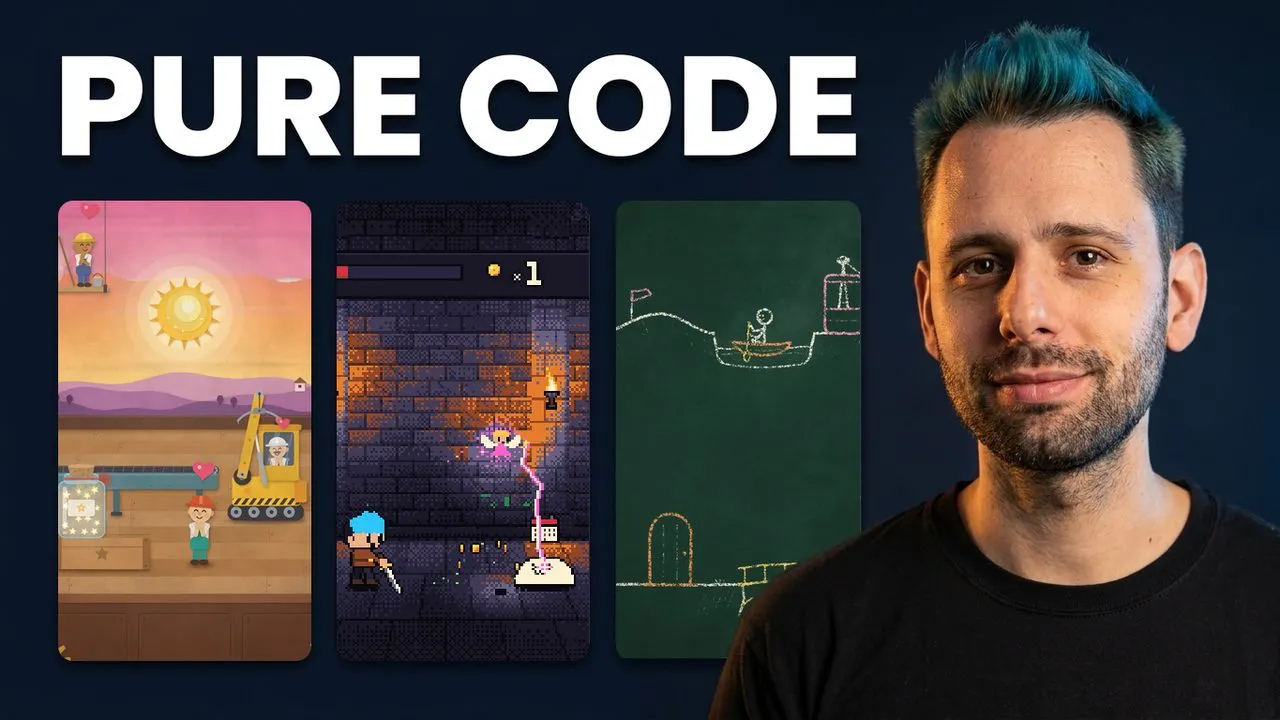
Claude Code Animation: Three Videos From One Prompt Each
Three 20-second Reels from one prompt each: paper-cut, pixel art and a chalkboard loop, drawn entirely in code.
ChatGPT Emails in Your Own Writing Style, Tested
A ChatGPT style brief tested on client emails: first versus second version, and a request for free extra work.
I Tested 6 Viral ChatGPT Photo Codes. No Slash Needed.
Before and after for all six codes, including the places where ChatGPT quietly changed a tattoo, a watch and a hoodie logo.
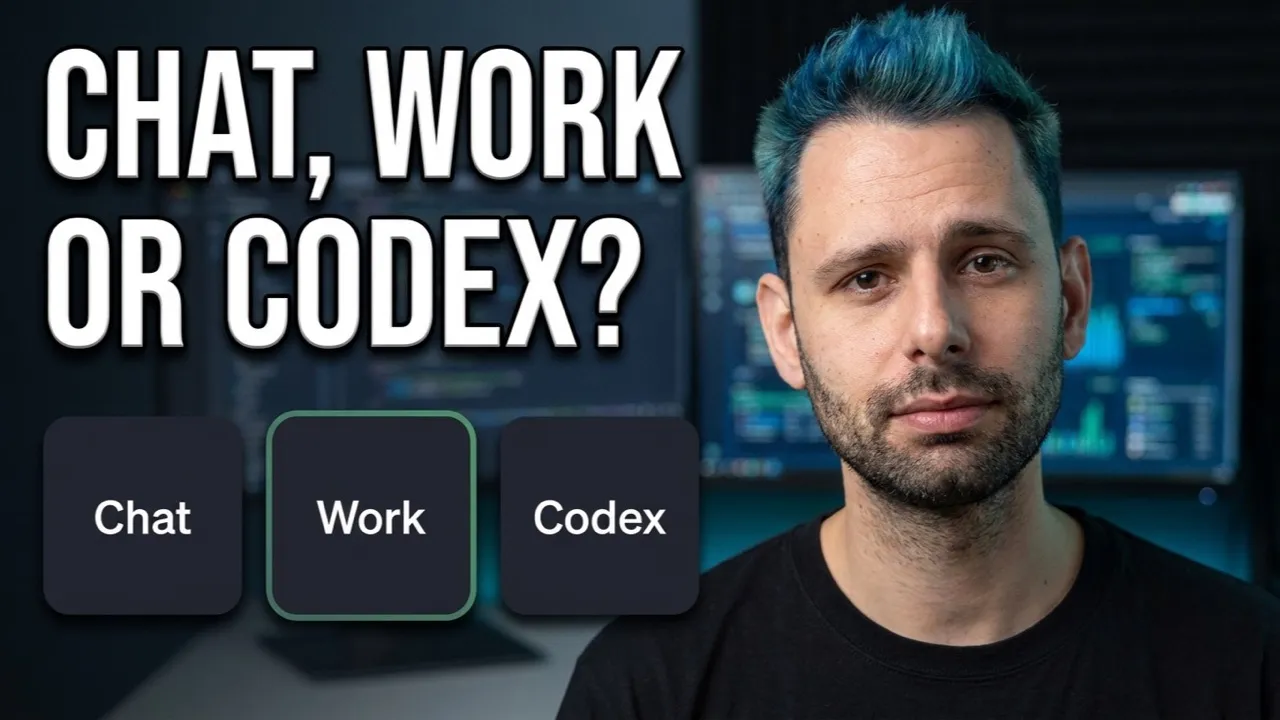
ChatGPT Work vs Codex: What to Use When
ChatGPT now has Chat, Work and Codex. Lukas breaks down when to ask quickly, when to delegate tasks and when Codex is the cleaner choice for code.
Claude Limits Explained: 9 Mistakes That Waste Tokens
Nine concrete places where tokens disappear before the actual work begins. The least spectacular one helped me the most.
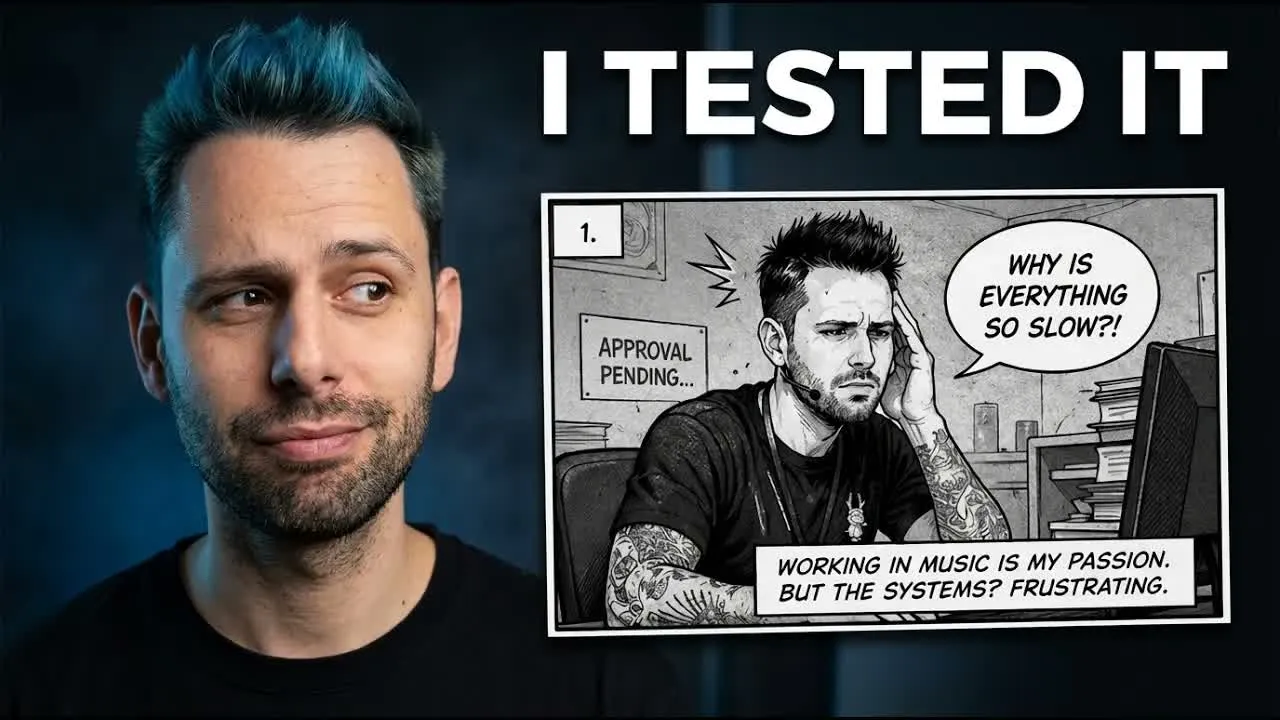
ChatGPT Images 2 Tested: What Actually Works
Four tests instead of demo hype. In one of them the web search turned out not to be what it looked like.
Claude YouTube Audit: How AI Found Eight Strategy Problems
A premortem on real channel data. Eight problems came back, and a few of them I would rather not have read.
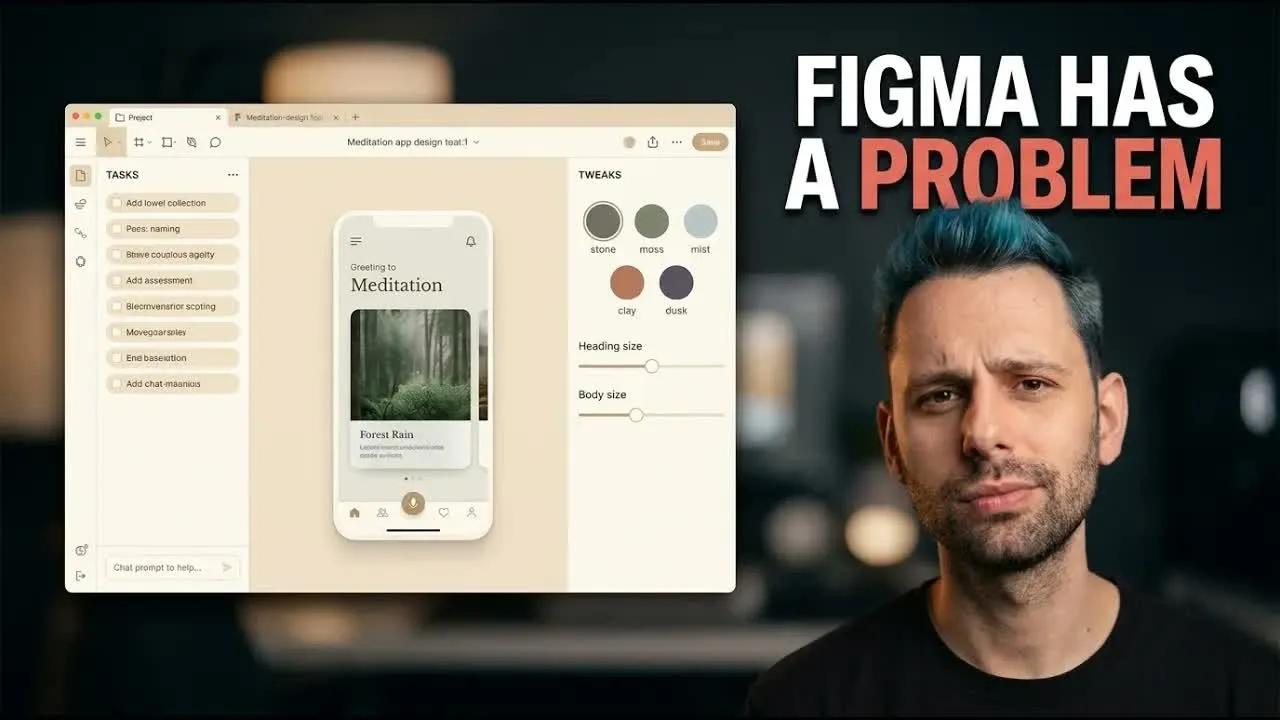
Claude Design Explained: What Anthropic's Design Tool Changes
Claude Design is not just another model update. It changes where design work starts and who can create first visual drafts.
Claude Code vs Codex: A Real Debugging Battle
Part four of the Voicebox series did not go to plan. That is exactly why it is useful: two AI agents debug a real local setup.
Claude vs Grok: What Emergence World Shows About AI Agents
Five virtual cities, different models and a hard question: do AI agents stay stable over several days when they get tools and rules?
Frequently asked questions
The question usually misleads. Both are strong, but strong at different things. Claude is more pleasant for me with long context and with code, ChatGPT for images and quick research. More useful than the general question is deciding which one fits the task in front of you.
Usually not because you work too much, but because the workflow burns tokens. Long chats, context dragged along, active connectors and unnecessarily long outputs cost more than the actual question.
Not unchecked. The ChatGPT Images test showed that an apparent web search is not always what it looks like. Anything involving numbers, sources or currency needs a second check.
With a short style brief: ChatGPT extracts it from three of your own sample emails, and it holds only observable features such as formality, sentence length and how emails open and close, no names, dates or commitments. In the test the second version came back shorter and more specific. You still supply the facts yourself, and before sending you check what the email commits you to.
Want to use AI properly in daily work?
I help freelancers, consultants, coaches and small teams turn AI tools into real workflows. Practical, verifiable and a fit for your daily work.
Book a free intro call