Relevant videos
OpenClaw Explained: The Self-Hosted AI Assistant That Lives on Your Own Hardware
An open-source assistant with real access to your files, persistent memory across weeks, and no company cloud in between. Including the security problems nobody puts in the thumbnail.
OpenClaw Setup Tutorial: Build a Self-Hosted AI Assistant on Your Own Server
A complete hands-on walkthrough from server choice and VPS security to OpenClaw installation, Anthropic setup, Telegram pairing, troubleshooting and the final security audit.
I Cloned My Voice With AI Locally for Free
The first part of the Voicebox series sets up the free local app that promises voice cloning, text to speech and dictation without subscriptions or cloud uploads.
I Cloned My Voice Free and Compared It to ElevenLabs
Part 2 takes the setup from Part 1 and tests the thing people actually care about: can a free local voice clone get close to ElevenLabs?
This Free AI Transcribes Everything Locally
I test the dictation and transcription side of Voicebox: importing audio, dictating into real apps, comparing Whisper Base and Turbo, checking German accuracy and showing the hotkey friction on Mac.
Claude Code vs Codex: A Real Debugging Battle
Part four of the Voicebox series did not go to plan. That is exactly why it is useful: two AI agents debug a real local setup.
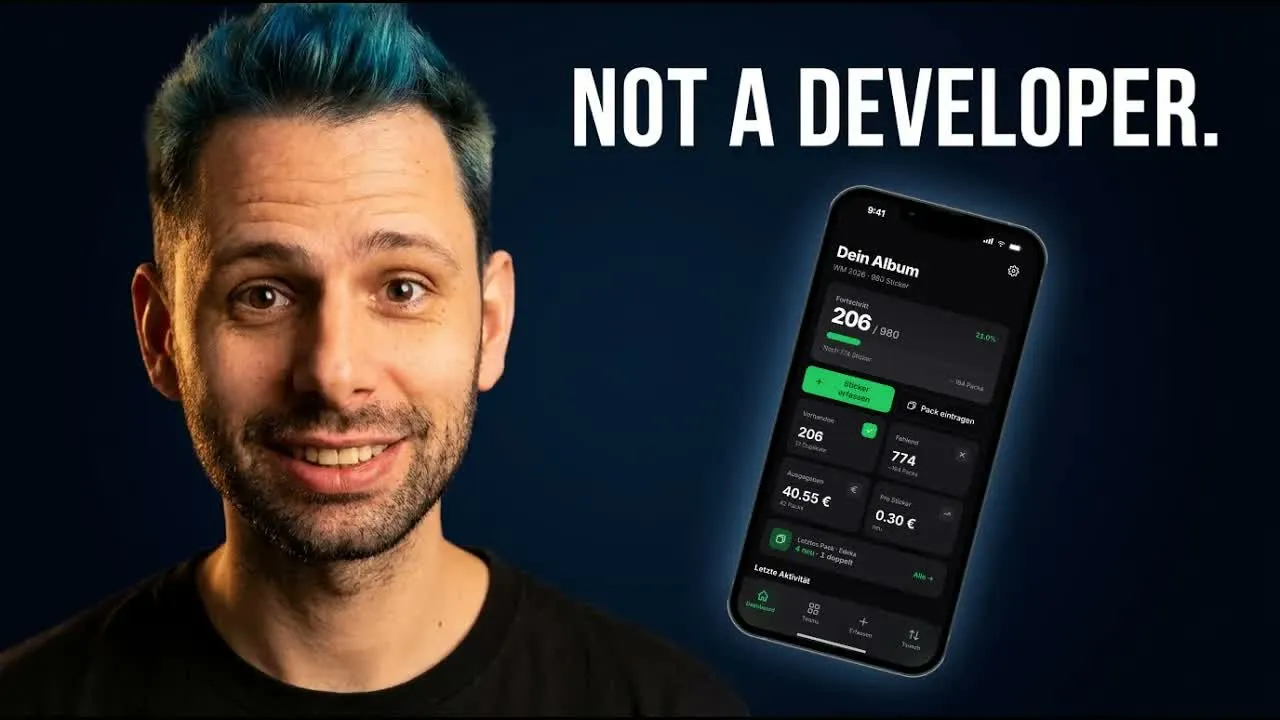
I Built StickerLog With AI: A Real App in a Few Hours
A Panini album, 980 stickers and a problem no generic app solved well. This video shows the workflow behind StickerLog: plan, review, design, build.